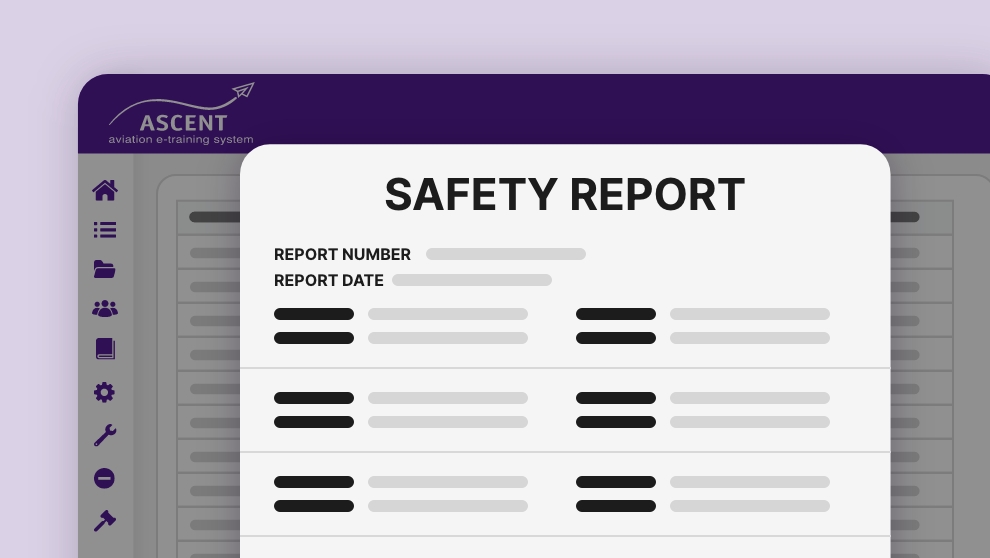
CREATE & EDIT COURSES - EASILY
ASCENT provides aviation training content creation tools that allow organizations to build, edit, and manage training materials within a single system. Designed for regulated aviation environments, the platform supports content development for courses, exams, training records, memos, documents, and safety reporting.
- AUTHOR your own content.
- COPY from manuals, documents, etc.
- IMPORT PowerPoint, Video, SCORM, PDF, etc.
- HYBRID: Import and then add in your own details, reviews, exams, etc.
- NO LIMITS to course length, time, content, or usage.
- UPDATE in-use courses in real-time. Changes are tracked, students notified, and records adjusted.
Aviation Tip!
Set the MINIMUM MODULE TIME to what your Ops Manual shows for that subject. Optionally add subject-related reading at the end of the course for student to study until time requirement is met. Training records will reflect that training stated in ops manual was met. Regulators love seeing this!
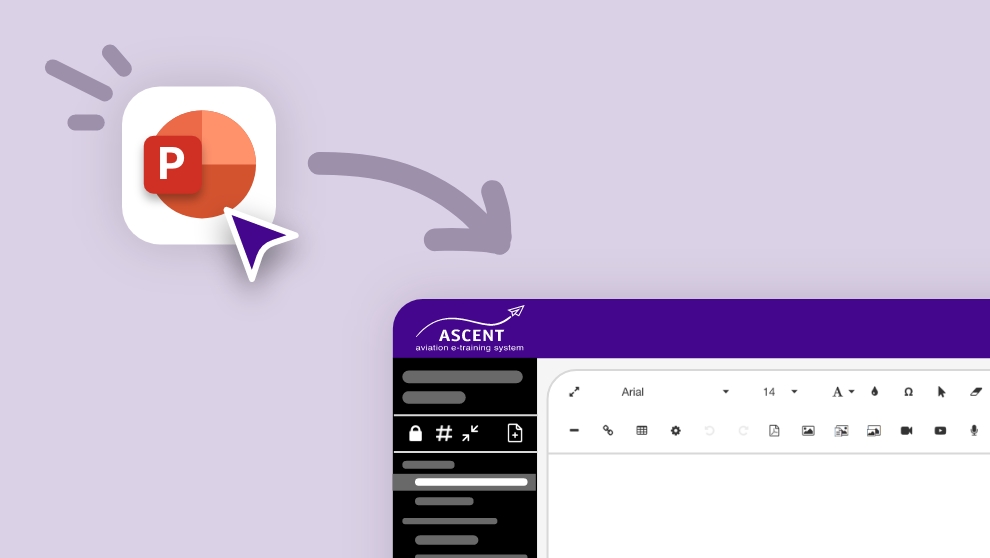
Create Aviation Training Content from PowerPoint
Easy importer retains the look and feel of your PowerPoints INCLUDING animations, videos, sounds, etc.
ASCENT simplifies aviation training content creation by allowing administrators to quickly import PowerPoint presentations and convert them into structured training modules. This reduces setup time while maintaining consistency across training programs.
The ASCENT difference: Most eLearining systems turn PowerPoints into self-contained files that students click through via an online ‘player’. In ASCENT each PowerPoint can be imported with each ‘slide’ being a separate page. You can then add details to any page, add pages of content and check-questions between slides, and add quizzes, exams, and feedback surveys to make it a complete, self-learning, auditable course.
Interactive Review Questions
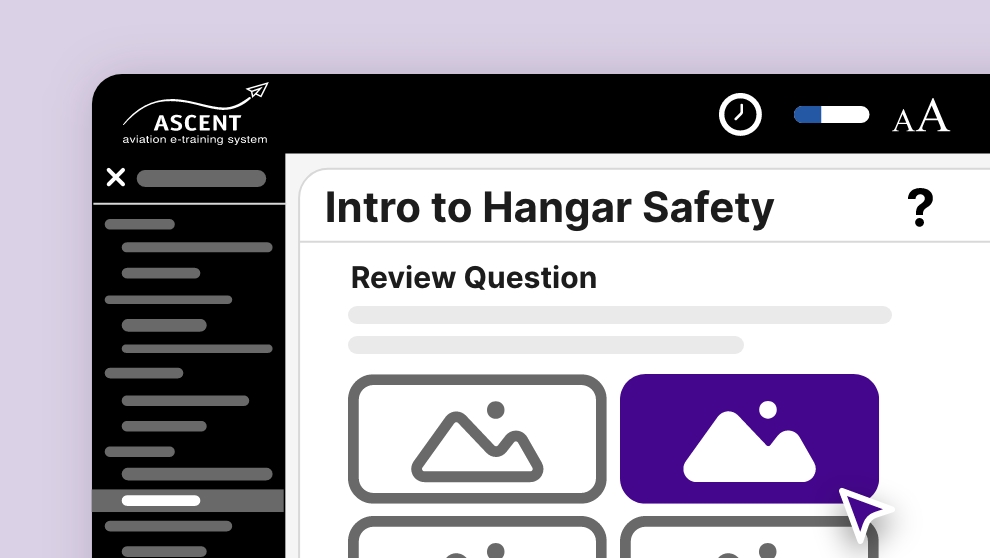
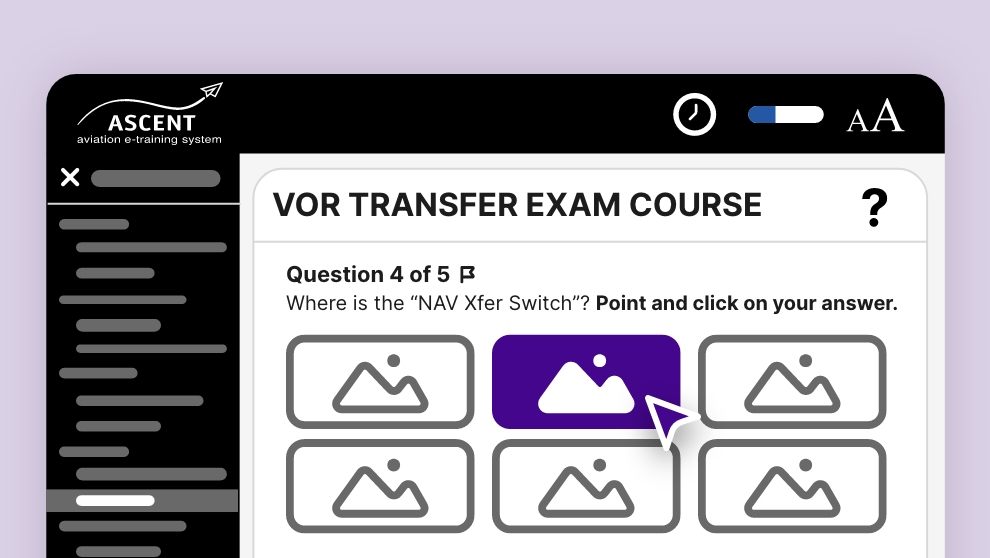
FIRST: If your module contains training (not just a stand-alone exam), you can insert REVIEW QUESTIONS in the course content to prevent students from just clicking through to the end AND to ensure they actually LEARN the material.
- Put as many Review Questions as you want in your course – typically every few pages or after key points.
- Student can not proceed until answered correctly.
- Answers are shuffled each time the question loads.
- If incorrect selection, you can give feedback so to TEACH the correct answer.
- Questions can contain unlimited text, images, video, sound, PDF, attachments, etc.
- Multiple-choice text or Graphical Hotspot (point to correct part of image) answers.
Exams
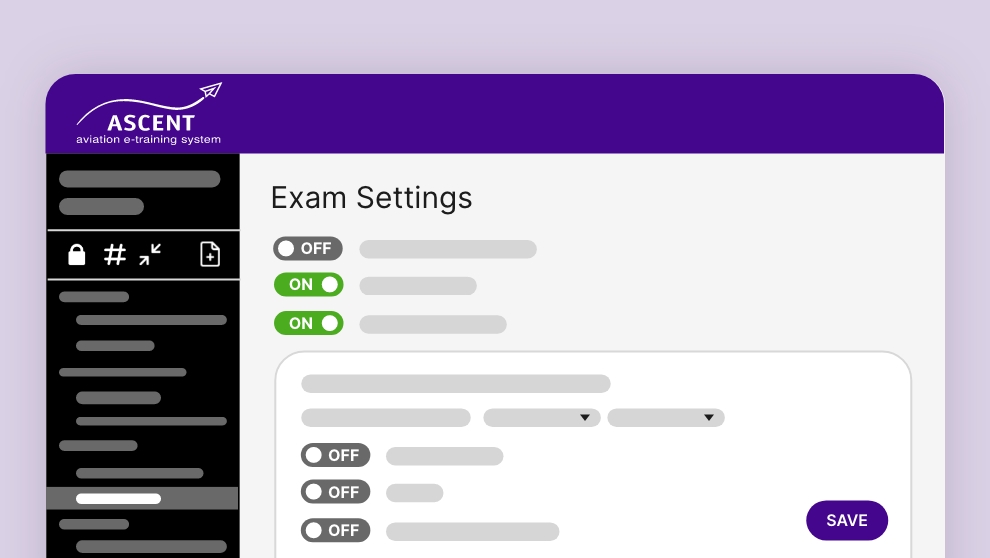
Our exam builder makes it EASY for you to create proper, auditable exams.
- In courses or stand-alone
- Create, import, or export questions
- Custom Question Bank – with categories and key word search
- Variable passing score – from 0% (un-scored) to 100%
- Self-correctable to 100%
- Intelligent failed exam re-takes which TEACH the student what they didn’t learn
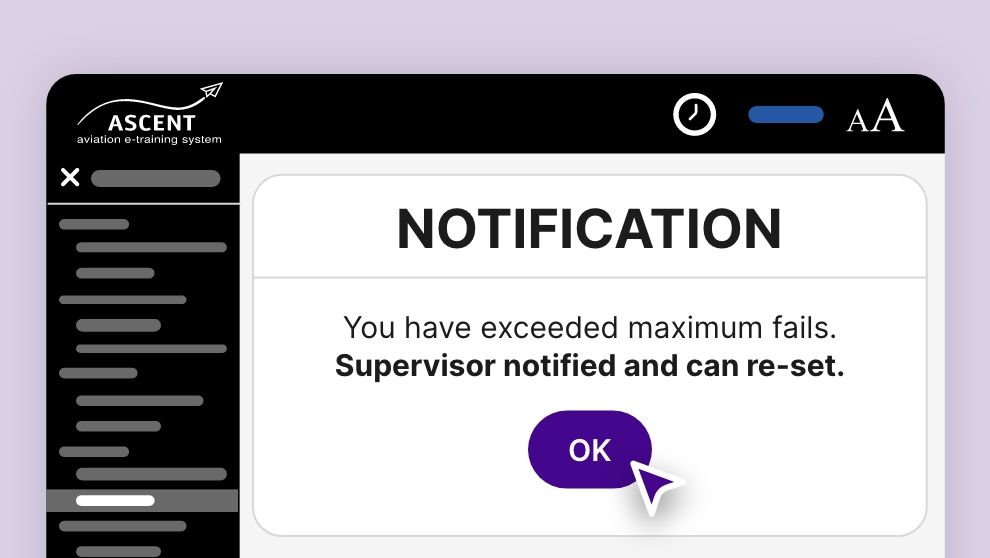
- Auto lockout and notification when fails exceeded.
- Multiple question types
- Written-response question type option with intelligent answer contents auto scoring
- Random questions delivery – with intelligence to ensure proper exam structure
- Exam timer
These tools work seamlessly with the ASCENT Aviation LMS to support end-to-end training management.
Training Records
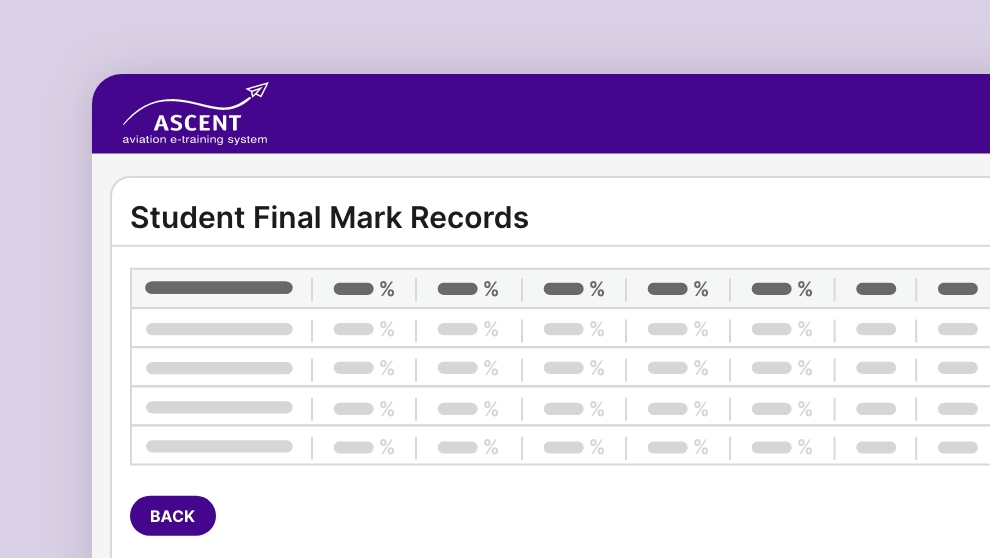
Training records are automatically generated and maintained, providing clear visibility into completion status and learner progress.
Hundreds of aviation companies with thousands of courses and exams over 20+ years have breezed through their audits by FAA, Transport Canada, ISBAO, and others. You will too!
- Customizable training certificates and wallet cards (auto generated
- Dozens of report types.
- Point-&-click
- Export to PDF, xls (Excel), or csv (database or other spreadsheets)
- Every exam attempt is scored and stored
- All records remain indefinitely for as long as you use the system
Memos System
Valuable tracked-&-documented communication with your staff.
- Free unlimited use!
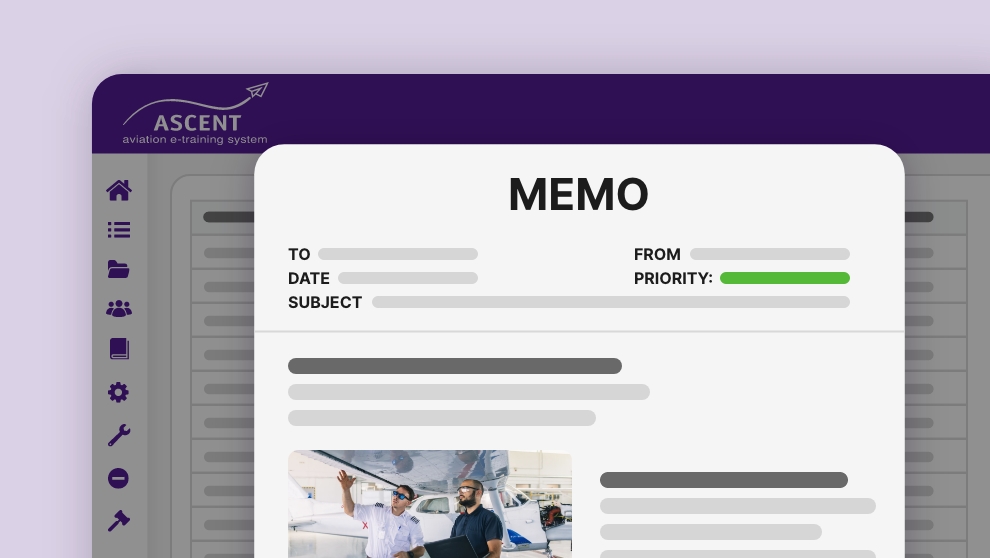
- Send to individuals, groups, or company wide
- Send a detailed message with attachments, images, links, etc.
- Recipients must read and acknowledge memo, and even prove they read it.
- All carefully tracked and documented
- Stored in Memos libraries – categorized, searchable
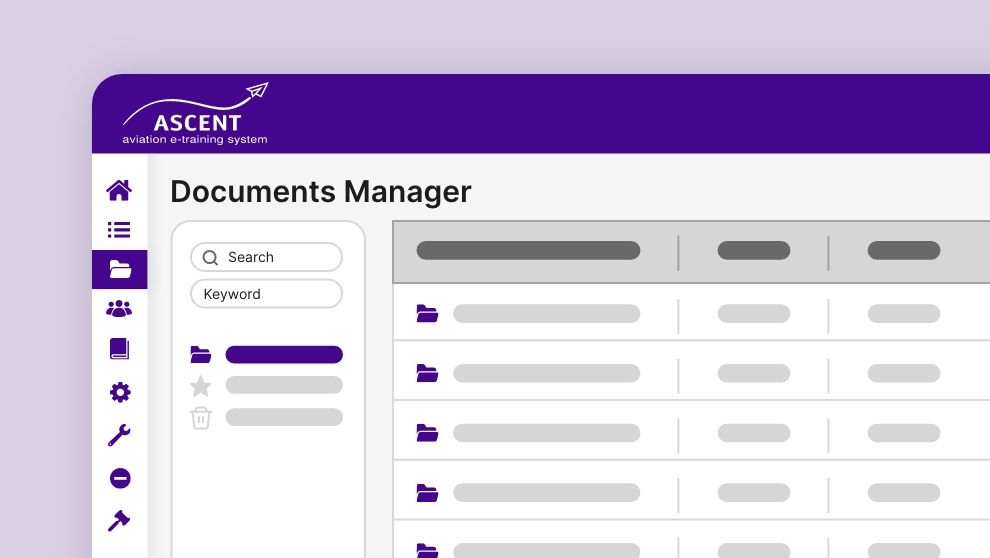
Documents Manager
Securely store, sort, update, and track digital files – within the password protected system.
- Free unlimited use!
- Control who has what level of access.
- Track changes
- Access anywhere there’s internet
Safety Reports System
Your report forms with notifications, investigation process tools, and audit integrity.
- Free unlimited use!
- Build custom report forms
- Available to all staff within secure system
- Track investigations and actions
- Redact personal info
- Store in company online libraries
- Sequentially numbered – tamper-proof for credibility with auditors